
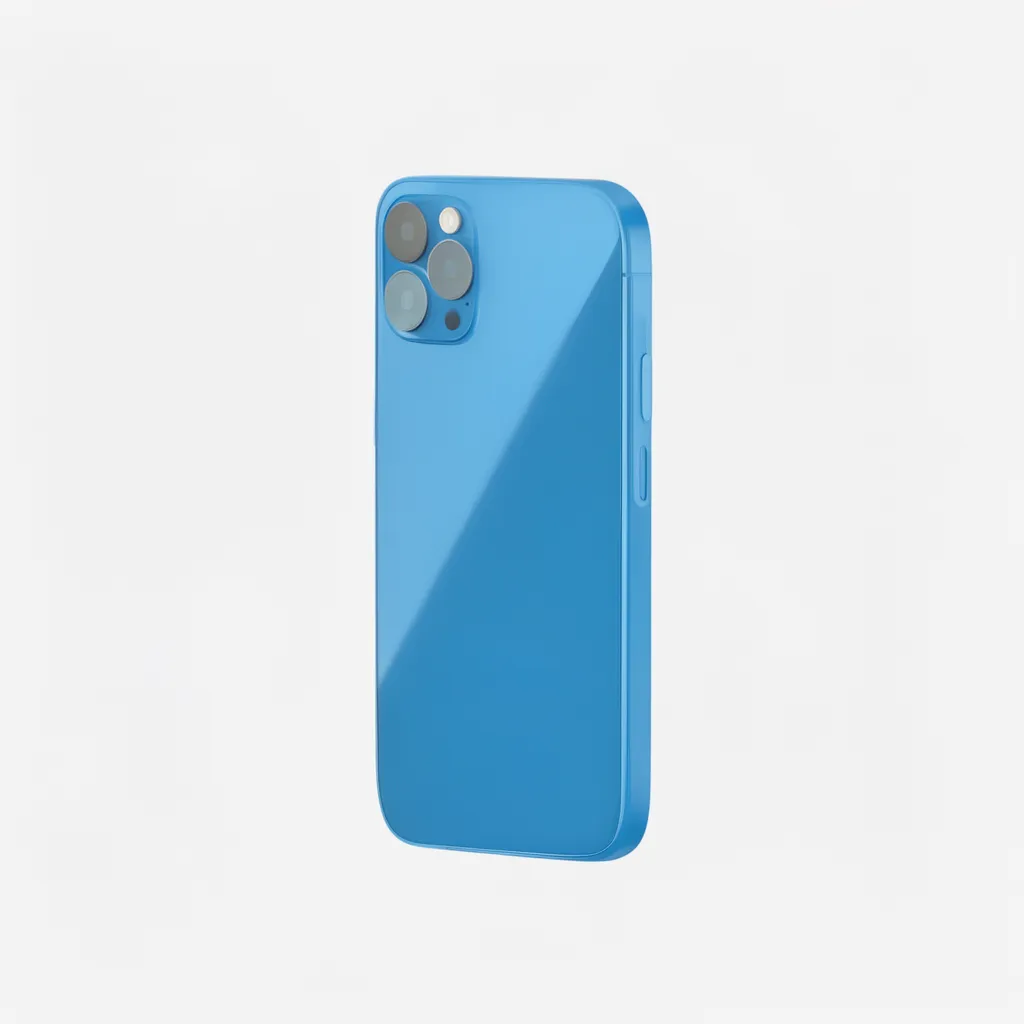
iPhone SE 2nd Gen Repair
Price range: $39.00 through $79.00
Description
About the iPhone SE 2nd Gen
The iPhone SE 2nd Gen is a popular device used across Singapore. Whether you’ve cracked the screen, damaged the port, or have battery issues, PhoneDoctor has you covered with fast, affordable repairs backed by a 1-year warranty.
Common iPhone SE 2nd Gen Issues & Repairs
📱 Screen Repair
Cracked display? We replace with precision panels restoring full touch response and vivid colours.
🔋 Battery Replacement
Battery draining fast? We replace with manufacturer-spec cells restoring full all-day performance.
🔌 Charging Port
Not charging? We repair or replace the port restoring fast charging and data sync.
📷 Camera Repair
Blurry photos or black screen? We repair the full camera system including front and rear cameras.
💧 Water Damage
Device got wet? Bring it in immediately — our ultrasonic cleaning has a high recovery rate.
🔊 Speaker / Mic
Muffled sound or mic issues? We diagnose and repair all speaker and microphone faults.
Our Repair Process
1️⃣
Walk In
No appointment. 62 Queen St, 11AM–9PM.
2️⃣
Free Diagnosis
Upfront pricing — no obligation.
3️⃣
Fast Repair
Most repairs in 45 mins.
4️⃣
Tested & Returned
Data always stays safe.
Why Choose PhoneDoctor?
- ✅ 70-80% cheaper than authorised centres
- ✅ Genuine & OEM-quality parts
- ✅ 1-year warranty
- ✅ 45-min average repair time
- ✅ Data never wiped
- ✅ Walk-ins welcome
Pricing & Warranty
| Repair Type | Price (SGD) | Turnaround | Warranty |
|---|---|---|---|
| Screen Repair | From S$79 | 45 mins | 1 Year |
| Battery Replacement | From S$49 | 30 mins | 1 Year |
| Charging Port | From S$39 | 30 mins | 1 Year |
| Camera Repair | From S$59 | 60 mins | 1 Year |
| Water Damage | From S$79 | 1–3 days | 1 Year |
FAQ
How long does iPhone SE 2nd Gen screen repair take?
Most screen repairs done in 45 minutes. We stock iPhone SE 2nd Gen screens — no waiting for parts.
Is my data safe?
Yes — we never wipe your device. All data stays intact.
Do you use genuine parts?
We use genuine Apple parts where available, and OEM-grade otherwise.
Where are you located?
62 Queen St, CYFL 04, Singapore 188541. Daily 11AM–9PM. WhatsApp +65 9777 7509.
TABLE OF CONTENTS
📍 Visit Us
62 Queen St, CYFL 04
Singapore 188541
⏰ Daily 11AM–9PM
Additional information
| Repair Type | Battery Replacement, Camera Repair, Charging Port, Screen Repair, Water Damage |
|---|
Related products
-
Samsung Galaxy S23 Ultra Repair
$179.00 Select options This product has multiple variants. The options may be chosen on the product page -
iPhone 13 Repair
Read more -

Samsung Galaxy S20 Plus Repair
Read more -

Samsung Galaxy S22 Ultra Repair
Price range: $89.00 through $199.00 Select options This product has multiple variants. The options may be chosen on the product page
Reviews
There are no reviews yet.