
Charging Port Repair
Phone not charging? Loose cable connection? We repair and replace charging ports for all phone models. Same-day service with 90-day warranty.
⭐ 4.8★ Google Rating
📱 2,000+ Repairs Monthly
⚡ 45-Min Avg Service
🛡️ 90-Day Warranty
Charging Port Services
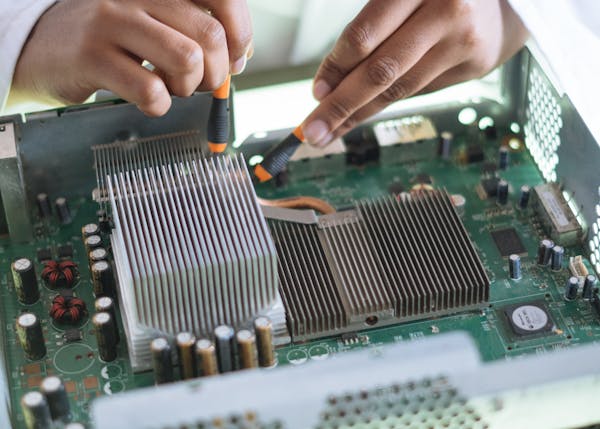
Port Cleaning
From $20
Lint, dust, and debris removal. Fixes most loose connection issues.

Port Replace
From $50
Full port replacement with OEM connector. Fixes all charging issues.
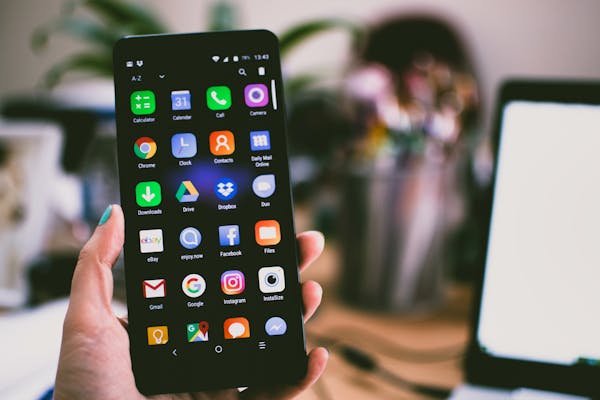
IC Chip Repair
From $80
Charging IC chip replacement for phones that won’t charge at all.
Charging Issues? Check These First
Before bringing your phone in, try these quick fixes:
1. Clean the port with a toothpick — Pocket lint is the #1 cause of loose connections. Gently scrape out debris.
2. Try a different cable and adapter — Faulty cables cause 30% of charging complaints. Test with a known-good cable.
3. Restart your phone — Software glitches can stop charging. A restart often fixes intermittent issues.
4. Check for water damage — Moisture in the port triggers safety shutoffs. Dry thoroughly before charging.
5. Still not charging? Visit PhoneDoctor — Free diagnostic. 45-minute port replacement if needed.
Why Choose PhoneDoctor
⚡
45 Min
Same-day
🛡️
90-Day
Warranty
✅
Genuine
OEM parts
💰
Cheaper
70-80% off
Other Repair Services
Frequently Asked Questions
How much does charging port repair cost?
Port cleaning from $20, full replacement from $50. Free diagnostic to determine the issue.
Why is my cable loose in the port?
Usually lint and debris packed into the port prevents the cable from clicking in fully. We clean it in minutes.
My phone charges slowly — is the port broken?
Could be the port, cable, adapter, or battery. We run a free diagnostic to identify the exact cause.
Will wireless charging still work after port repair?
Yes. Charging port repair does not affect wireless charging. Both will work normally.
Do you repair USB-C and Lightning ports?
Yes. We repair all port types including USB-C, Lightning, and micro-USB for all phone brands.
Phone Not Charging?
Free diagnostic. Most repairs done in 45 minutes.
Contents
Contact
Parkway Parade #B1-45 (from 1 Oct)
Mon-Sun 11am-9pm